


Instagram is by far my favorite social network. It’s a lovely place where people share all the good stuff that’s going on in their lives…and memes. Epic memes. That, however, doesn’t mean it doesn’t have a few annoyances.
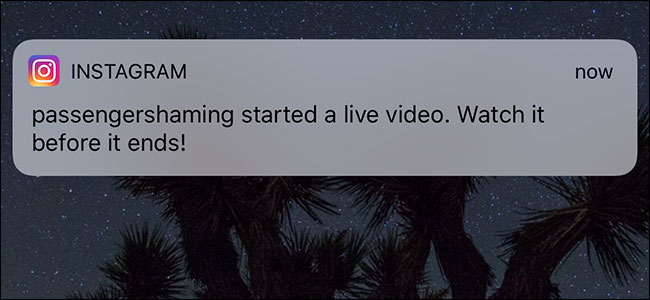
The biggest one is Instagram’s constant push notifications whenever someone I follow starts posting a Live Story. If you follow a few hundred people, you’re pretty much guaranteed to get at least a few of these a day.
Here’s how to turn them—and any other Instagram notification, for that matter—off.Open Instagram, go to your profile, and tap the settings icon in the top right. Scroll down and under Settings select Push Notification Settings.


Now you can set Instagram to send you push notifications From Everyone, From People You Follow,…
The post How to Stop Instagram from Sending You Constant Notifications appeared first on FeedBox.