


Source: How-To Geek
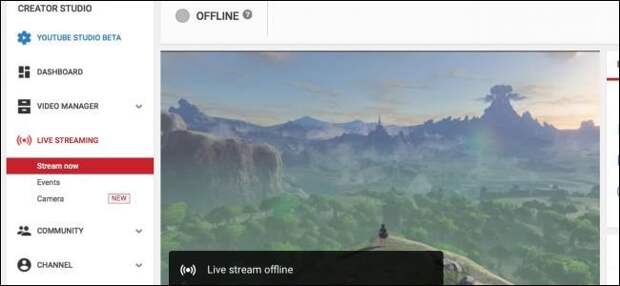
YouTube’s live streaming support has gotten much better and is now a solid competitor to Twitch. If you’re an aspiring content creator with an audience on YouTube, you might want to live stream on a platform where you’re already established instead of splitting your viewer base.
Step One: Install OBS

OBS is a streaming and recording program that’s popular with live streams. It captures your game’s output and then streams it to YouTube or Twitch. OBS is pretty simple to set up but comes with a lot of advanced settings you can configure.
Generally, you’ll get a decent performance hit running recording software at the same time as your game. If you have a low-end system, you might not be able to stream effectively, though you can adjust the settings and quality of the recorder to match your needs.
Step Two: Grab Your Steam Key and Set Up OBS

Right-click your avatar in the top right corner of the YouTube’s settings and then select “Creator Studio.” You’ll find your stream key in the “Live Streaming” section under “Encoder Setup.”
Open up OBS, and have it start the auto-configuration wizard. Once…
The post How to Live Stream on YouTube appeared first on FeedBox.