


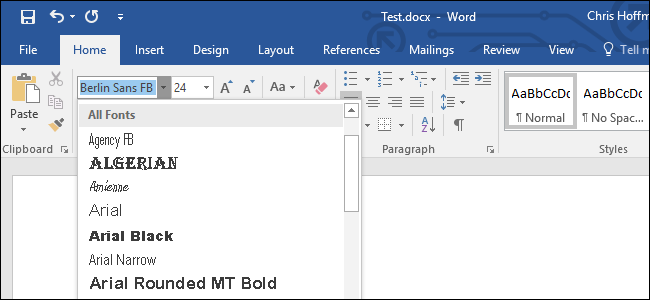
When you email someone a copy of your Word document or PowerPoint presentation and they don’t have a font installed, Microsoft Office shows that document with the default font instead. This can mess up the whole layout and make the document look completely different, but you can fix this by embedding fonts into your documents.
How This Works
When you enable this option, Office takes the font file from your system and embeds a copy of it into the Office document. This increases the size of the document, but anyone who opens the document will be able to see the document with its intended font.
You can only do this in the Windows versions of Microsoft Word, PowerPoint, and Publisher. This doesn’t work in the Mac, iPhone, iPad, Android, or web versions of Word or PowerPoint.
This also only works if the font you’re trying to embed allows embedding. The…
The post How to Embed Fonts in a Microsoft Word Document appeared first on FeedBox.