


Author: Chris Hoffman / Source: howtogeek.com
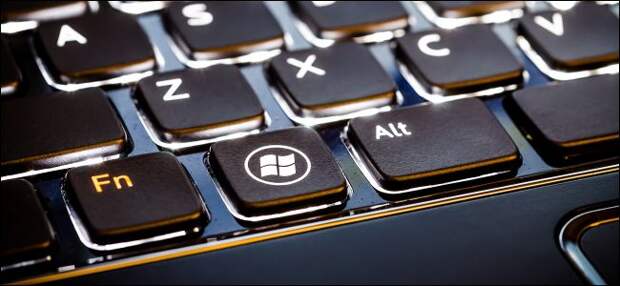
Windows has a secret keyboard shortcut that restarts your video drivers. If your PC ever freezes, try this shortcut before restarting your PC—it could fix freezes that would otherwise require forcibly restarting your computer.
This key combination restarts the graphics subsystem on Windows 10 and Windows 8.
There’s no keyboard shortcut for restarting your graphics drivers on Windows 7.How to Restart Your PC’s Graphics Drivers
To restart your graphics drivers, press Win+Ctrl+Shift+B on your keyboard.
Your screen will go black for a split second and you’ll hear a beep. Everything will then reappear just as it was before you pressed the hotkey. All your current applications remain open, and you won’t lose any work.
We even tried this shortcut while playing a PC game. The game kept running properly after we used the shortcut. That’s because Windows just restarts the graphics subsystem. All your applications are left alone and will continue running normally.
This keyboard shortcut is part of the Windows 10 operating system, so it will restart NVIDIA, AMD, and Intel graphics drivers….
The post Secret Windows Hotkey Restarts Your Graphics Card Drivers appeared first on FeedBox.