


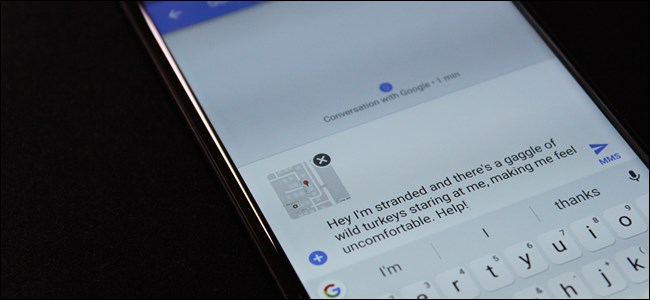
Let’s say your car breaks down and you have no idea where you are. You could call someone and tell them how to get to you…or you could just shoot them a quick text with your exact location from Google Maps.
This is actually an awesome feature built into Google’s Messages app—the default SMS/MMS application on Nexus and Pixel devices.
If you’re not using one of those phones, however, it’s all good—you can actually download Android Messages from the Google Play Store on any Android phone.So, go ahead and install that bad boy (if you don’t already have it, of course), and let’s dig in.
First, however, I want to point out that this isn’t the only way to share you location with someone else. You can actually do nearly the same thing directly from Google Maps, though I’d say it’s a bit more personal since you’re sharing with someone from your contacts list—someone that you already know. While you can use that method if you’d like, I think the method highlighted in this article makes more sense if you’re already having a text conversation with the…
The post How to Quickly Share Your Location in a Text Message on Android appeared first on FeedBox.