


Author: Cameron Summerson / Source: howtogeek.com
Android does a great job of keeping all your contacts in sync with your Google account, so theoretically you should never lose all your contacts. That said, things happen, and keeping a backup is never a bad idea. Here’s how to export all your contacts on Android.
How to Export Contacts with Google’s Contacts App
If you’re using Google’s stock Contacts app—which is available for free in the Play Store if it’s not already installed on your phone—then you’re just a couple of taps away from having a backup of all your contacts.
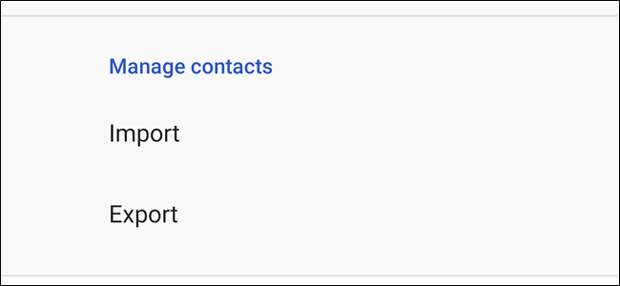
Fire up the app, and then swipe in from the left side to open the menu. Tap on the “Settings” option, and then tap the “Export” option (you might have to scroll down a bit to see it).


Select which account you’d like to export (if you have more than one), and then tap the “Export to .VCF File” button.


You can…
The post How to Manually Export and Back Up Contacts on Android appeared first on FeedBox.