


Source: Dumb Little Man
It’s no secret that our relationship with computers has changed dramatically over the past few decades. Since they became widely commercially available in the late 1970s and early 1980s, computers have gone from simple data processing machines to key components of virtually every aspect of modern life.
They’re in our phones, our cars, and even our home appliances. We use them to store everything from our vacation photos to our important professional documents, which of course makes protecting the files we store using our computers essential.Whether files are stored locally on your device or you’ve moved them to the cloud, carefully managing file permissions is one of the most fundamental ways you can protect your information. Not quite sure what file permissions are or why they’re so important? Sit tight– in this article we’ll answer all of your questions about file permissions including:
- What are file permissions?
- When are file permissions important?
- How can managing file permissions keep devices and data secure?
- What else can you do to keep your information safe?
What is a computer?
Maybe it seems like a silly question– after all, everyone knows we use computers every day to do a variety of different things. But it’s precisely because computers are so ubiquitous– and come in so many shapes and sizes– that it can be tricky to define what a computer, on a basic level, actually is.

Generally speaking, a computer is any electronic device that stores and processes data. Computer programs are the rules that define how the device interacts with the data, which is what makes everything from PC gaming to cloud-based content collaboration possible.
It’s important to note that in addition to the devices most people are familiar with– desktop and laptop computers, tablets, smartphones, etc.– there is another type of computer called a server. Servers are computers that deliver shared data to several computers connected by a network, like the internet.
What is a file system?
Imagine you’ve just walked into a library: what do you see? Books, of course. If you need a specific book, you can pretty easily locate it because libraries organize their shelves according a particular organizational scheme– the Dewey Decimal System. What if the library didn’t follow any sort of rhyme or reason when putting the books on the shelves? Obviously, finding any specific book would be next to impossible.
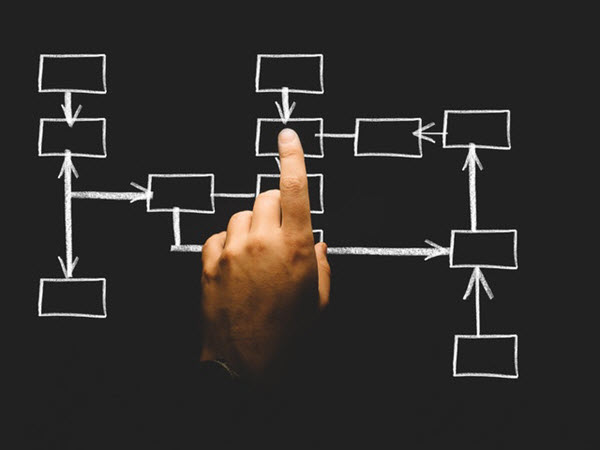
Just like a library needs a way to organize its books, a computer needs a way to organize how all of its pieces of data– or files– are stored as well. In computing, we call this the file system.
When we talk about file systems, we aren’t always talking about the file system on a physical device. We can also be talking about a file system within a particular program or application, or even a cloud-based file system.
Files that are stored “in the cloud” are not stored locally on a device like a laptop or tablet. The data is moved to a server– either owned by the user or owned by a third-party cloud storage provider– and is stored in a file system there.
|
|
What are file permissions?
Would you let just anyone walk into your house? Of course not! You restrict who can and can’t enter your house by putting locks on your doors and making sure not just anyone has the key to get inside. Similarly, not every user or program on a computer needs equal access to every file in the file system.
File permissions give you granular control over your files, in both offline and online file systems, by allowing you to specify who and what can access your files and what actions they can take.
When is managing file permissions important?
When multiple people or programs have access to the same files, it’s important to control how those different users or groups interact with the data. Think of it this way: if you leave something valuable in a public place, the risk of it being damaged or disappearing entirely is much greater than if you place it somewhere more private.
Managing file permissions is a simple step you can take to safeguard your files before they are threatened by a virus, cyber attack, or another cyber security threat.
How to Manage File Permissions on Your Laptop or Desktop Computer

The post The Ultimate Beginner’s Guide to File Permissions and Data Security appeared first on FeedBox.