


Author: Oliver Haslam / Source: How-To Geek
Apple started using the HEIC image format with iOS 11. It’s preferred over the incumbent JPG because of its smaller file sizes, and it’s also made its way to the Mac. HEIC can cause problems for some apps. Here’s how to easily convert HEIC files to JPG.
If you live your life on iOS, then the chances are pretty good that you never really know when an image is in the HEIC or JPG formats because, for the most part, it doesn’t matter.
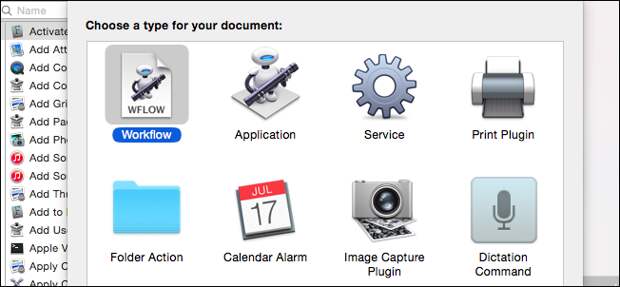
However, when you start sharing images or saving them to your Mac for future use, you might want them in a more common format. That tends to happen most on a Mac, so wouldn’t it be great if there was a quick and easy way to convert any number of HEIC format images into JPG? If you don’t mind getting your hands a little dirty with Automator, a quick and easy…The post How to Convert HEIC Images to JPG on a Mac the Easy Way appeared first on FeedBox.