


Author: Cameron Summerson / Source: howtogeek.com
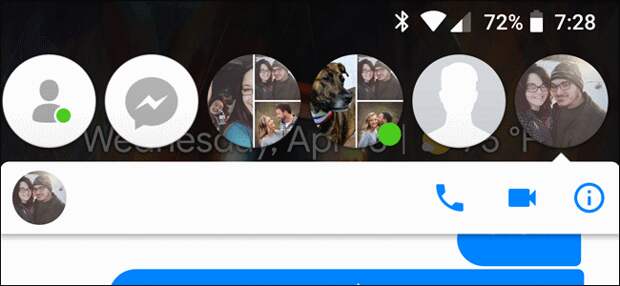
You know what’s cool? Instant messaging with friends, family, and colleagues. You know what’s annoying? Having their face float above everything else on your phone. And that’s exactly how it is with Facebook Messenger—here’s how to turn it off on Android.
The feature itself is called “Chat Heads,” and it seems like a good idea—hell, some people may even like them. That’s cool! We like that you like them. But if you find yourself in the “con’t like it” camp and just want to get rid of them, we have you covered. There are two ways you can go about this: if you just want to temporarily get rid of the heads floating around on your screen, you can dismiss them. But if you never want to see another Chat Head as long…
The post How to Disable Facebook Messenger’s Chat Heads on Android appeared first on FeedBox.