


Author: Harry Guinness / Source: How-To Geek
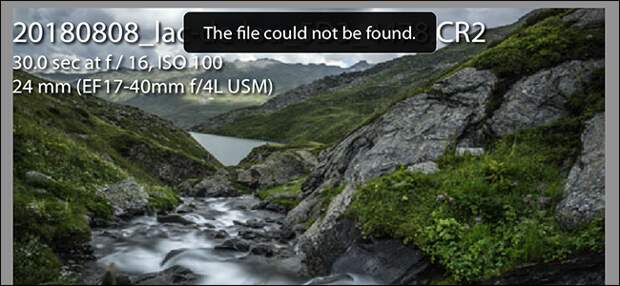
RAW image files are huge so Adobe Lightroom saves preview JPEG files to speed things up. If worst comes to worst and you lose your originals, you might be able to recover something from the previews.
When you import RAW files into Lightroom, it creates preview files so that it doesn’t have to read 20MB+ of data every time you want to look at an image.
These preview files normally don’t have the same resolution—and since they’re JPEGs, the same depth of data—as the originals, but if your original files are unrecoverable, at least the JPEGs are something.
Realistically, you shouldn’t be in this situation. You should always have a second copy of all your important digital files, but things happen so if you are, here’s how to try and recover something from your previews.
RELATED: Don’t Just Move Photos to an External Drive: That’s NOT a Backup
A few notes before we begin:
- Don’t expect the world. You’re getting recovered preview files back. Especially of older images, there may be nothing more than a low-resolution JPEG.
- If your lucky and your photos are well exposed, you may have some images that are high enough resolution and with enough data to use.
- Any edits you made won’t have been saved, and all the metadata is…
The post How to Recover Your Images from Your Lightroom Preview Files appeared first on FeedBox.