


Author: Chris Hoffman / Source: howtogeek.com
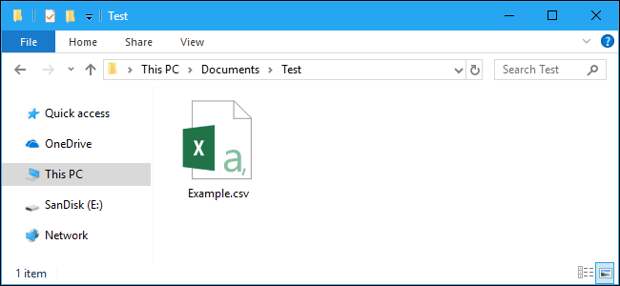
A Comma Separated Values (CSV) file is a plain text file that contains a list of data. These files are often used for exchanging data between different applications. For example, databases and contact managers often support CSV files.
These files may sometimes be called Character Separated Values or Comma Delimited files.
They mostly use the comma character to separate (or delimit) data, but sometimes use other characters, like semicolons. The idea is that you can export complex data from one application to a CSV file, and then import the data in that CSV file into another application.The Structure of a CSV File
A CSV file has a fairly simple structure. It’s a list of data separated by commas. For example, let’s say you have a few contacts in a contact manager, and you export them as a CSV file. You’d get a file containing text like this:
Name,Email,Phone Number,Address
Bob Smith,bob@example.com,123-456-7890,123 Fake Street
Mike Jones,mike@example.com,098-765-4321,321 Fake Avenue
That’s all a CSV file really is. They can be more complicated than that, and can contain thousands of lines, more entries on each line, or long strings of text. Some CSV files may not even have the headers at the top, and some may use quotation marks to surround each bit of data, but that’s the basic format.
That simplicity is a feature. CSV files are designed to be a way to easily export data and import it into other programs. The resulting data is human-readable and can be easily viewed with a text editor like Notepad or a spreadsheet program like Microsoft Excel.
How to View a CSV File in a Text Editor
To view the contents of a CSV file in Notepad, right-click it in File Explorer or Windows Explorer, and then select the “Edit” command.
Notepad may have trouble opening the CSV file if it’s very large. In this case, we recommend you use a more capable…
The post What Is a CSV File, and How Do I Open It? appeared first on FeedBox.