


Author: Harry Guinness / Source: howtogeek.com
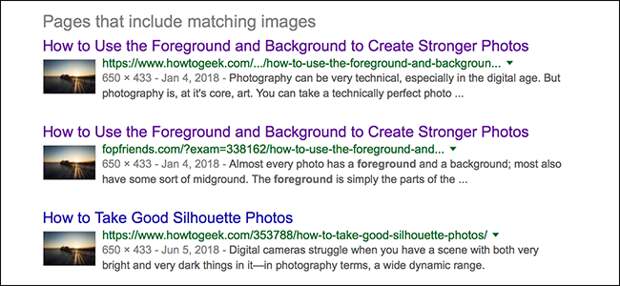
Photos and other images get stolen all the time online. Someone takes a photo from the photographer’s website or social media channels and uses it for their own needs. This is completely illegal and happens to me all the time here at How-To Geek.
Let’s do a quick copyright law refresher.
Unless the photographer signs away the copyright to their images or releases them into the public domain, they are the sole and automatic copyright holder. Using their images without their permission is copyright infringement unless you have a very specific “fair use” grounds for doing it—and trust me, you probably don’t. Just because an image is “freely available” on the internet, doesn’t mean you have the right to take it and use it.Stealing images is super common, so how can you tell if a photo on a website has been taken from somewhere else? Let’s find out.
Check for Copyright Data
The simplest way to check if an image is being used without permission is to check if there’s any embedded copyright metadata. You can download the image and check using your operating system’s built-in tools, but it’s quicker and easier to use an online metadata viewer like Metapicz.
Right click on the image you want to check and click “Copy Image Address.” Note that the exact wording of that command might be different in different browsers, but you’ll find the command you’re after.

Head to Metapicz, paste in the URL you copied, and click the “Go” button.

You’ll see all the metadata that’s embedded in the image.
If it’s there, the copyright data will be front and center. You can see that—shockingly—I’m the copyright holder for the image I’m using as an example.
If the copyright data doesn’t line up with the page where it’s posted, then there’s a good chance it’s being used without permission. For example, I hold the copyright to most of the photos in my articles on How-To Geek, but since I write here and have an author page here, everything is probably above board. If, on the other hand, you find images with my copyright information embedded where there’s no connection between me and the site, then things probably aren’t on the level.
Now, this isn’t a perfect method. It’s simple to strip out any metadata, including copyright information. It might also not be embedded in the first place. That’s the case with more…
The post How to Check if a Photo is Stolen appeared first on FeedBox.