


Windows 10 provides no way to restore Windows 7’s Aero, Windows Media Center, or other much-loved features. But, for some reason, there is a hidden registry setting that will re-enable Windows 7’s old volume control interface on Windows 10.
The new volume control has a cool new feature for easily switching audio playback devices, and you’ll be giving that up.
But, if you want to make Windows 10 look more like Windows 7 (for some reason), the below registry hack will do it.Get the Old Volume Control Back By Editing the Registry
You’ll have to edit the Registry to change this setting. Here’s our standard warning: The Registry Editor is a powerful tool and misusing it can render your system unstable or even inoperable. This is a pretty simple hack and as long as you stick to the instructions, you shouldn’t have any problems. That said, if you’ve never worked with it before, consider reading about how to use the Registry Editor before you get started. And definitely back up the Registry (and your computer!) before making changes.
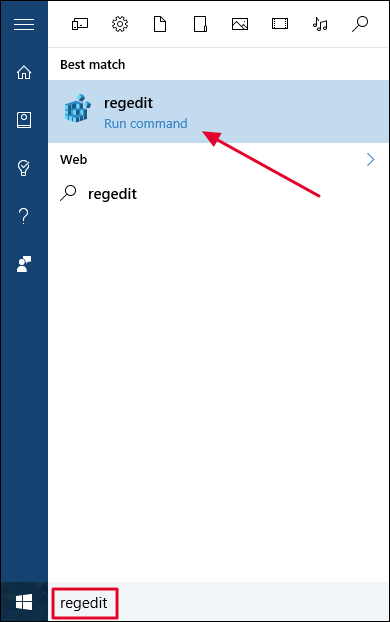
First, open the Registry Editor by clicking Start and typing “regedit”. Press Enter to open Registry Editor and agree to the User Account Control prompt that appears.
Navigate to the…
The post How to Get the Old Volume Control Back on Windows 10 appeared first on FeedBox.