


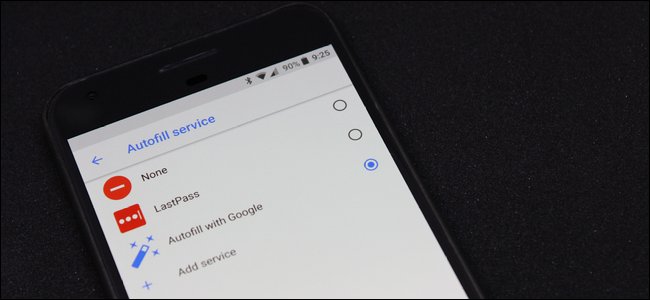
One of the best new features in Android Oreo is the system-wide autofill service. Basically, if you store passwords and form data in Chrome, this information now syncs across the system for use in apps and the like.
If you don’t use Chrome’s native password manager, though—instead opting for something like LastPass—you can actually change the default autofill manager to your preferred application.
Before we get into the details here, it’s worth noting that this technique requires that the app to support the feature by implementing it with the new APIs. And so far, there aren’t a lot of options there. Even LastPass doesn’t offer it in the stable version of its app—you’ll need to opt-in to the public LastPass beta to get in on the action.
So, if you use a different password manager, you may need to dig around a bit and see if they’re using a similar system. If not, I recommend contacting the developer and letting them know you’d like to see this as part of their app. Or maybe changing to an app that actually supports the newest features.
Alright, with that out of the way, let’s do this thing.
How to Set the Default Autofill Manager
This setting is actually buried fairly deep in the OS, so get your tapping finger ready. First, pull down the notification shade and tap the gear icon to…
The post How to Set Your Preferred Autofill Manager in Android Oreo appeared first on FeedBox.